


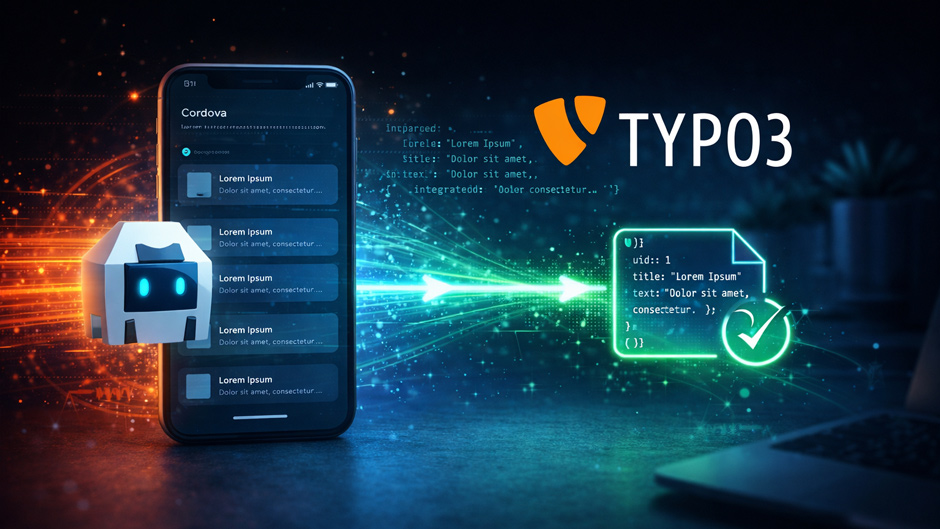
Why my Cordova app uses TYPO3 as its backend
The idea
TYPO3 is a powerful CMS – but it can do more than just serve web pages. With a custom Extbase controller, TYPO3 can act as a lean REST backend that returns JSON. The Cordova app on the other side consumes that data via the Fetch API and presents it to the user.
The result: a hybrid app with a single, editorially managed backend – no separate Node server, no additional system to maintain.
TYPO3 side: custom API controller with Extbase
First, register a new plugin in your extension's ext_localconf.php:
use Vendor\MyExtension\Controller\ApiController;
use TYPO3\CMS\Extbase\Utility\ExtensionUtility;

ExtensionUtility::configurePlugin(
    'MyExtension',
    'Api',
    // all allowed actions
    [ApiController::class => 'list, show'],
    // non-cacheable actions (for an API: all of them)
    [ApiController::class => 'list, show'],
    ExtensionUtility::PLUGIN_TYPE_CONTENT_ELEMENT
);
The fifth parameter PLUGIN_TYPE_CONTENT_ELEMENT is required from TYPO3 13 onwards – without it you'll get a deprecation warning in v13 and a hard failure in v14.
The plugin also needs to be registered in Configuration/TCA/Overrides/tt_content.php:
use TYPO3\CMS\Extbase\Utility\ExtensionUtility;

ExtensionUtility::registerPlugin(
    'MyExtension',
    'Api',
    'API Endpoint'
);
Then the controller itself. The key part: we skip Fluid rendering entirely and return JSON directly:
namespace Vendor\MyExtension\Controller;

use Psr\Http\Message\ResponseInterface;
use TYPO3\CMS\Extbase\Mvc\Controller\ActionController;

class ApiController extends ActionController
{
    public function listAction(): ResponseInterface
    {
        $items = $this->itemRepository->findAll();

        $data = [];
        foreach ($items as $item) {
            $data[] = [
                'uid'   => $item->getUid(),
                'title' => $item->getTitle(),
                'text'  => $item->getText(),
            ];
        }

        return $this->jsonResponse(json_encode($data));
    }
}
jsonResponse() has been available directly on the ActionController since TYPO3 11 and automatically sets the correct Content-Type header.
Exposing the URL via TypoScript
The API action needs a publicly accessible URL. The cleanest approach is a dedicated page type. Create a page in the TYPO3 page tree and assign it a custom typeNum via TypoScript:
api = PAGE
api {
    typeNum = 1000

    config {
        disableAllHeaderCode = 1
        additionalHeaders.10.header = Content-Type: application/json
        additionalHeaders.10.replace = 1
    }

    10 < tt_content.myextension_api.20
}
Important: in TYPO3 13 the TypoScript path changed. The old tt_content.list.20.myextension_api is deprecated – the new path is directly tt_content.myextension_api.20. You'll need to place the plugin once as a content element on the API page in the backend. The API is then accessible at e.g. yourdomain.com/api/. A route enhancer can abstract away the ?type=1000 into a clean URL.
Configuring CORS
For the Cordova app to call the API, TYPO3 needs to send the correct CORS headers. This can be handled directly in the controller response:
return $this->jsonResponse(json_encode($data))
    ->withHeader('Access-Control-Allow-Origin', '*')
    ->withHeader('Access-Control-Allow-Methods', 'GET, OPTIONS')
    ->withHeader('Access-Control-Allow-Headers', 'Content-Type');
Note:
Access-Control-Allow-Origin: *is fine during development. In production, restrict the origin to your app domain or a fixed value.
Cordova side: fetching data with the Fetch API
On the app side things are refreshingly straightforward. A simple fetch call is all you need:
const API_URL = 'https://yourdomain.com/api/';

async function loadItems() {
    try {
        const response = await fetch(API_URL);

        if (!response.ok) {
            throw new Error(`HTTP ${response.status}`);
        }

        const items = await response.json();
        renderItems(items);

    } catch (error) {
        console.error('API error:', error);
    }
}

function renderItems(items) {
    const list = document.getElementById('item-list');
    list.innerHTML = items.map(item => `
        <li>
            <h3>${item.title}</h3>
            <p>${item.text}</p>
        </li>
    `).join('');
}

document.addEventListener('deviceready', loadItems);
The deviceready event is important – Cordova fires it once all native plugins have been initialised. Network requests made before this event can fail in certain environments.
Common pitfalls
- TYPO3 cache – the API page gets cached. For dynamic data either disable caching (
config.no_cache = 1) or clear it selectively using cache tags - Content Security Policy in your Cordova app's
config.xml– external domains must be explicitly whitelisted - HTTP vs. HTTPS – Cordova apps block unencrypted connections on iOS by default
- Missing repository – the Extbase controller needs a correctly configured repository, otherwise
findAll()returns nothing
TL;DR
- A TYPO3 Extbase controller with
jsonResponse()returns clean JSON - Expose the action via a dedicated TYPO3 page and TypoScript
- Set CORS headers directly on the response
- Consume in Cordova via Fetch API – only after
deviceready - Don't forget TYPO3 cache handling and the CSP in Cordova's config.xml
Share
Leave a comment